Preload Image

Online Boot Camp – IDEA Data Analysis Software Version 14.0

Online Boot Camp – IDEA Data Analysis Software Version 14.0 SamAdm May 29, 2026
IDEA Data Analysis Software Version 14.0 – Live Online Training Series
We are pleased to host two exclusive live online training programs on IDEA Data Analysis Software Version 14.0, designed to cater to different expertise levels. Each level is conducted separately to ensure focused and in-depth learning.
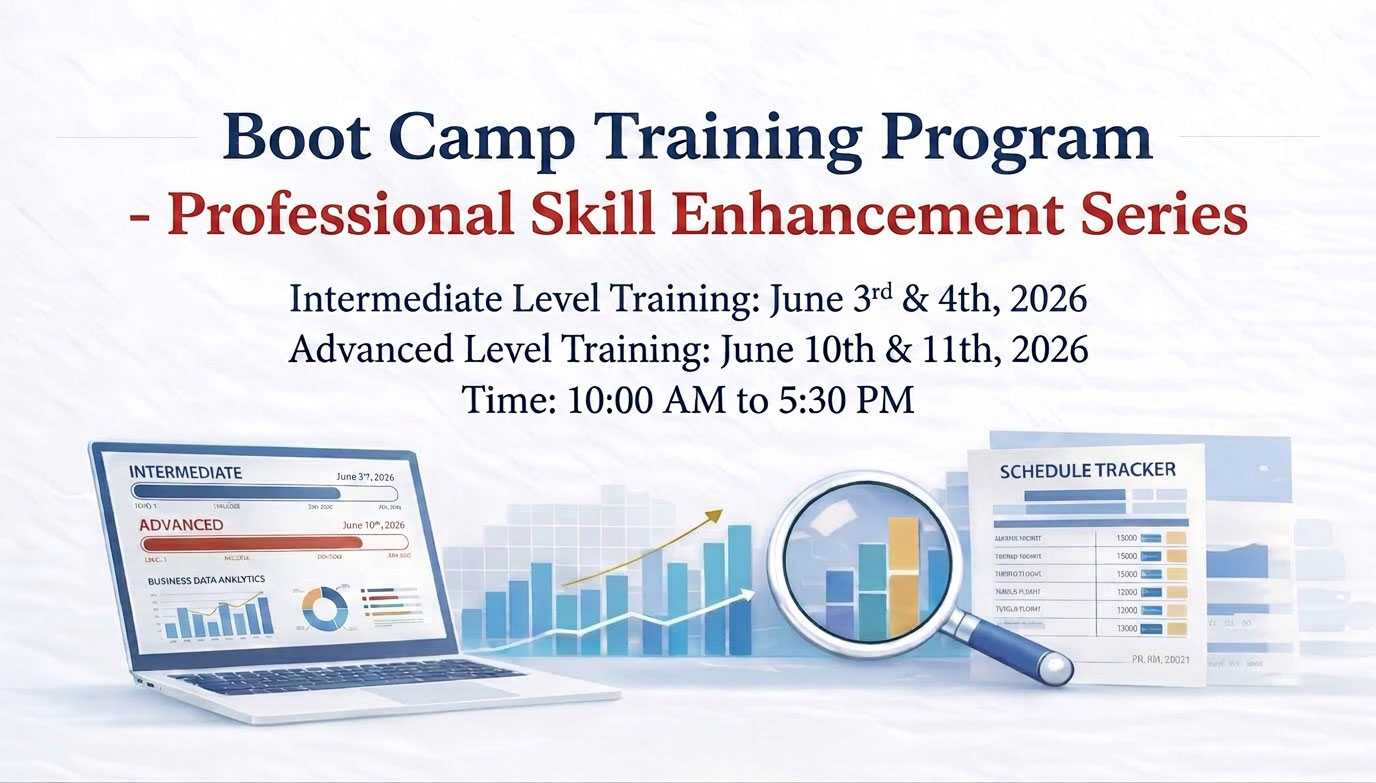
3rd & 4th June 2026

Time: 10.00AM - 5.30PM

Intermediate Level Training

This two-day live online course is specially designed for beginners and users who want to build a strong foundation in IDEA Data Analysis Software.

Whether you are new to IDEA or looking to refresh your fundamentals, this program will equip you with essential skills in:

  • Understanding IDEA interface and core functionalities
  • Importing and validating dataBasic d ata analysis techniques Control testing fundamentals Generating MIS reports Introduction to statistical sampling Basic red-flag analytics

Participants will gain practical knowledge to confidently begin their data analytics journey using IDEA.

10th & 11th June 2026

Time: 10.00AM - 5.30PM

Advanced Level Training

This advanced two-day live online course is tailored for experienced IDEA users and analytics professionals seeking to elevate their expertise.

The program focuses on advanced analytical techniques and powerful feature enhancements in IDEA Version 14.0, including:

  • Complex data mining and analysis
  • Large database reconciliation
  • Advanced control testing techniques
  • Statistical sampling methodologies
  • Red-flag analytics and fraud detection
  • Continuous monitoring concepts
  • Exploring new enhancements such as IDEA Lab, Scheduled Tasks, Exceptional Exceptions, and more

The programme coverage and registration form are attached for your reference and nomination consideration.

This course is ideal for professionals looking to take their analytic capabilities to the next level and fully leverage the power of IDEA 14.0. IDEA Version 14.0 includes significant enhancements, and both programs will highlight features designed to improve productivity, automation, and analytical effectiveness.

Investment

Intermediate Level
Rs. 18,000/-(+ 18% GST)

Per Enrolment

Advanced Level
Rs. 18,000/-(+ 18% GST)

Per Enrolment

Combined (Both Levels)
Rs. 30,000/-(+ 18% GST)

Per Enrolment

Schedule for Boot Camp Training – Intermediate Level

Time Schedule Getting Started 3rd June, Wednesday Advanced Analytics 4th June, Thursday
1
10 am to 10.30 am

Introduction to IDEA:
Session designed to provide participants with a comprehensive first look at IDEA, its interface, and its built-in Help resources. The session will cover the key benefits of using IDEA, the regulatory and professional drivers behind its adoption, the typical stages involved in its effective application, and the prerequisites for getting started, including client project creation.

What’s New in IDEA 14 – Advanced Feature Overview:
Walk-through of the advanced and newly introduced features in CaseWare IDEA 14.

2
10.30 am to 11.00 am

Data Import:
Session introduces participants to IDEA’s powerful Import Assistant, covering the import of spreadsheet, text, and report-based files. It covers Practical hints, tips, and best practices for efficient data retrieval and import, ensuring they can bring data into IDEA quickly and accurately from a variety of common source formats.

Complex Data Mining – Unstructured File Imports: An advanced session focused on developing the expertise to import unstructured text file. Participants will learn how to create record definitions for unstructured data and establish direct database connections, enabling them to unlock and analyse data from sources that are not readily accessible through standard import methods.

3

11.15 am to 12.00 noon

Data Analysis – 1: Purchase to Pay Case Study A hands-on analytical session using a Purchase to Pay case study to help participants practise identifying irregularities and isolating specific items of interest. Through structured exercises, participants will work through real-world scenarios including duplicate bill bookings, bill splitting to circumvent approval limits, vendor favouritism, and related procurement irregularities.

Complex Data Mining: (Continued) A continuation of the previous session, providing participants with further hands-on practice in importing and processing unstructured data. The session reinforces skills in creating record definitions, refining PDF imports, ensuring participants are fully equipped to handle complex and non-linear data.

4
12.00 noon to 1.00 pm
Data Analysis – 2: Travel Expense Case Study Building on the previous analytical session, participants will explore techniques for appending computed fields, designing sampling plans, and constructing basic equations within IDEA. A Travel Expense case study will serve as the practical backdrop, with exercises covering duplicate travel claim detection, identification of preferential carrier usage, and departmental and employee grade-wise travel expense analysis.

Building Equations
Designed to strengthen participants’ analytical capability with introduction of advanced IDEA functions including @Age, @Strip, @Split, @Between, and @Soundex. 

Participants will also learn to build nested functions, time-based
functions.

5
2-00 pm to 2-45 pm

Data Analysis – 3: Sales and Order to Cash Case Study
Session introduces participants to the techniques required for working with multiple reports drawn from different application systems. Using an Order to Cash case study, participants will investigate scenarios including unauthorized sales exceeding
credit limits, irregular discount patterns, and top-performing area, customer, product, agent, and margin-based sales analysis.

Advanced Statistical Methods Improve your Analytical Ratio capabilities by getting introduced to cutting-edge statistical techniques like ‘Correlation’ and ‘Trend Analysis’ for pattern trending, ratio-analysis and budgetary forecasting.A focused session introducing participants to enhanced analytical capabilities through the application of statistical techniques such as Correlation and Trend Analysis. Participants will learn how these methods can be used to identify relationships between variables, detect emerging patterns, and contribute to budgetary forecasting.
6
2-45 pm to 3-30 pm

Administration and House-Keeping
This session focuses on the responsible management of IDEA projects and outputs. Participants will learn good practices for maintaining, ecuring, exporting, and reporting results from IDEA, ensuring that their work is well-organised, audit-trail ready, and presented in a clear and professional manner suitable for sharing with clients or internal stakeholders.

Discovery and Visualisation
A basic introduction to IDEA’s Discovery and Visualization features and Analytic Intelligence techniques. Participants will learn how these visual and smart analytical tools can help find unusual items, reveal hidden patterns, and identify duplicate or nearly duplicate records in large and complex datasets.

7
3-45 pm to 4-30 pm

Participant Case Study – Open Analytical Session
An interactive, open-format session dedicated to exploring and working through participant-specific case studies. Using a range of “What If” analytical scenarios, participants will practise visualizing control objectives, mapping relevant fields, selecting and applying appropriate IDEA functions, and interpreting results. The session encourages discussion, peer learning, and critical thinking, helping participants bridge the gap between training concepts and real-world application.

Automatation through Macros
Dedicated session on automating processes in IDEA by converting repetitive tasks into visual macros and creating standardized audit routines.

8
4-30 pm to 5-30 pm

Conclusion
Discussion of practical Do’s and Don’ts while ‘Getting Started using IDEA’ with summation of learning’s.

Introduction to other useful tools
Caseware Working Papers, Smart Exporter, Caseware Validate, Caseware Extractly, Caseware AiDa, LexComply.

111-00 am to 11-15 am (Morning Break), 3-30 pm to 3-45 pm (Afternoon Break) and 1-00 pm to 2-00 pm (Lunch Break)

Schedule for Boot Camp Training – Advanced Level

Time Schedule Getting Started 10th June, Wednesday Advanced Analytics 11th June, Thursday
1
10 am to 10.30 am

Introduction to IDEA:
Session designed to familiarize participants with IDEA, its interface, and built-in Help features. The session will also highlight the key benefits of using IDEA, the regulatory and professional drivers encouraging its adoption, and the typical stages involved in effectively applying IDEA within audit.

What’s New in IDEA 14 – Advanced Feature Overview:
Walk-through of the advanced and newly introduced features in CaseWare IDEA 14. Participants will gain an understanding of enhancements that support deeper analysis, improved efficiency.

2
10.30 am to 11.00 am

IDEA Basics :
Session covers the foundational tools and functions required for effective use of IDEA, including project management, Help resources, screen navigation, control totals, and field statistics.

Complex Data Mining – Floating Layer Imports:
An introduction to advanced data mining techniques using the Floating Layer to import non-linear, unstructured files. Participants will learn how IDEA can be used to extract meaningful information from complex file layouts that do not follow standard formatting.

3

11.15 am to 12.00 noon

Advanced Data Import and Validationy
A practical session focused on importing semi-structured and unstructured files using Report Reader. Participants will also develop the skills required to import Adobe PDF files and create record definitions for unstructured data, enabling them to convert difficult source files into usable analysis-ready datasets.

Complex Data Mining – Standard Layer Imports
A continuation of the data mining session, focusing on the use of the Standard Layer to import multi-line unstructured files. Participants will enhance their ability to define and extract data from more complex report-based source files with greater precision and control.

4
12.00 noon to 1.00 pm

Advanced Extractions
Session explores more powerful extraction techniques within IDEA, including Key Value Extraction for drill-down analysis and data splitting & Top Records Extraction to identify high-value, lowvalue, top, and bottom records for targeted review and exception analysis.

Building Complex Equations
Designed to strengthen analytical capability by introduction of advanced IDEA functions such as @Daystod, @Getnextvalue, @Split, @Justnumbers, and @Compif. It will also cover nested functions, conditional expressions, and time-based functions, helping users create more sophisticated and dynamic analytical routines.

5
2-00 pm to 2-45 pm

Working with Multiple Files
Participants will learn techniques for working across multiple IDEA databases, including connecting two IDEA files, linking more than two files, and performing reconciliations. This session is especially valuable for users handling related datasets that require cross-file analysis and validation.

Advanced Statistical Methods
A focused introduction to enhanced analytical capabilities using statistical techniques such as Correlation and Trend Analysis. Participants will learn how these tools can be applied to identify relationships, detect patterns and contribute to budgetary forecasting and performance assessment.

6
2-45 pm to 3-30 pm

Consolidation and Compare
Session covers the consolidation of multiple IDEA files and the comparison of financial data across two or more files. Participants will learn how to merge related datasets and perform meaningful comparisons to identify differences, inconsistencies, or changes requiring further review. or internal stakeholders.

Discovery and Visualisation
A first-hand orientation to IDEA’s Discovery and Visualization capabilities, including the use of Fuzzy Duplicates and Analytic Intelligence techniques. Participants will understand how visual and intelligent analytical tools can assist in identifying anomalies, duplicate patterns, and hidden relationships within large datasets.

7
3-45 pm to 4-30 pm

Auditing a General Ledger File
A practical session focused on applying IDEA to general ledger analysis. Participants will be introduced to SmartExporter and the Exceptional Exception App, with emphasis on how these tools can support targeted exception testing, improve audit coverage, and increase efficiency in ledger review processes.

Automatation through Macros
A dedicated session on streamlining and automating processes in IDEA by converting repetitive tasks into visual macros. Participants will learn how macros can be used to standardize
audit routines, improve consistency, save time, and support repeatable analytics across.

8
4-30 pm to 5-30 pm

Conclusion
Discussion of practical Do’s and Don’ts while ‘Getting Started using IDEA’ with summation of learning’s.

Introduction to other useful tools
Caseware Working Papers, Smart Exporter, Caseware Validate, Caseware Extractly, Caseware AiDa, LexComply.

111-00 am to 11-15 am (Morning Break), 3-30 pm to 3-45 pm (Afternoon Break) and 1-00 pm to 2-00 pm (Lunch Break)

Don't miss this opportunity to enhance your analytics and audit capabilities with hands-on training

-- REGISTER TODAY --

Intermediate Level : Rs.18,000/- (+18% GST)Advanced Level : Rs.18,000/- (+18% GST)
Scroll to Top
Hi There...
Please fill out the form below and we will get back to you as soon as possible.
Request online Demo
Please fill out the fields details and you will be contacted as soon as possible.